Warehouse operations on your Android handheld device
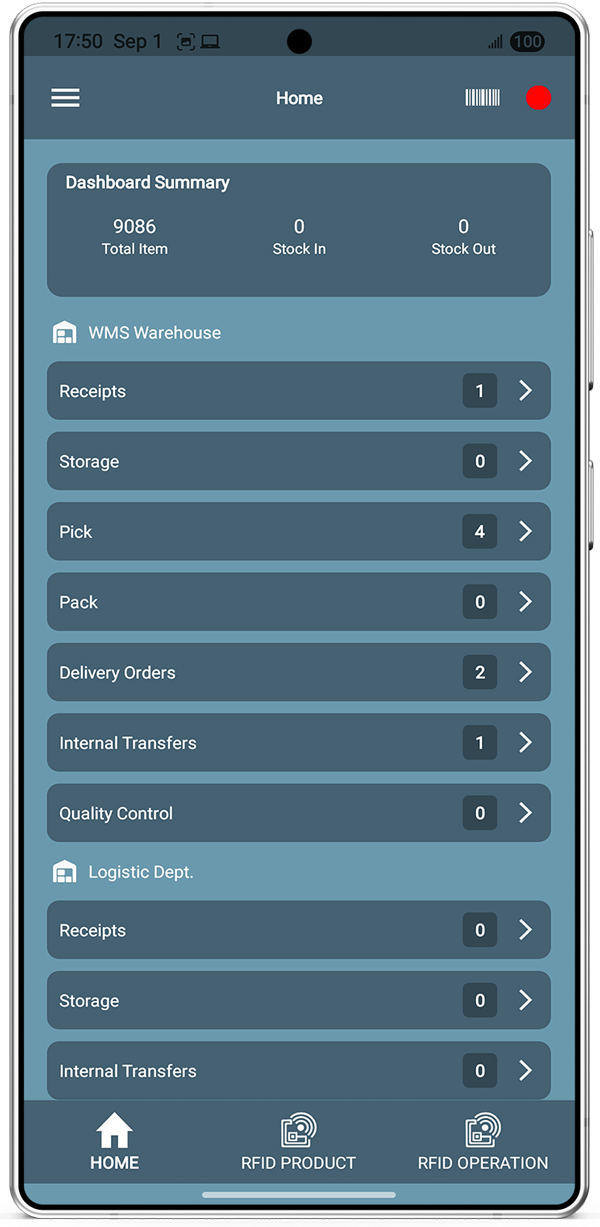
Bista’s mobile Advanced WMS app connects to Odoo so your team can receive, pick, pack, deliver, adjust inventory, and run RFID or barcode flows — online or offline — from the warehouse floor.

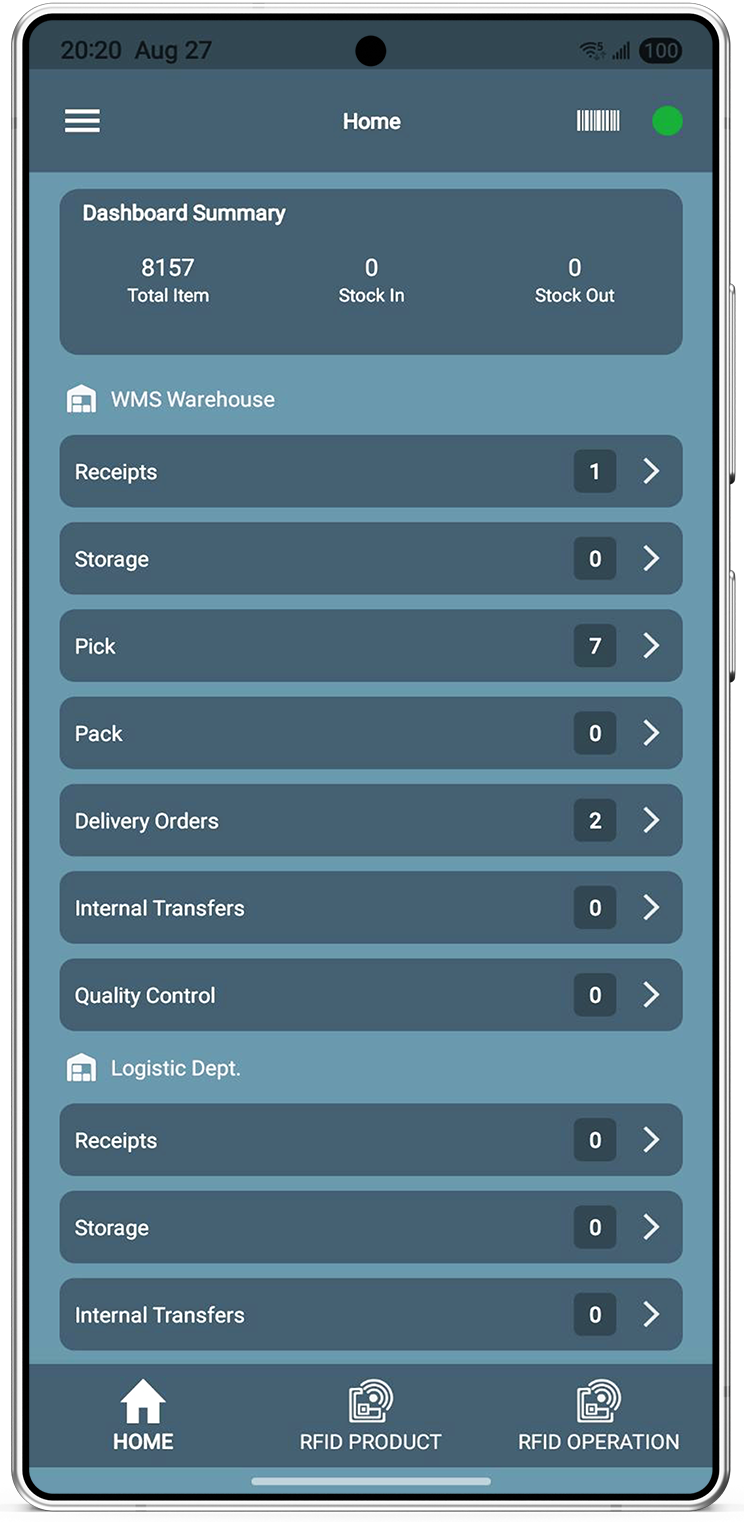
Everything your warehouse needs on mobile
Select a feature to see how Advanced WMS for Odoo handles the job on the floor.
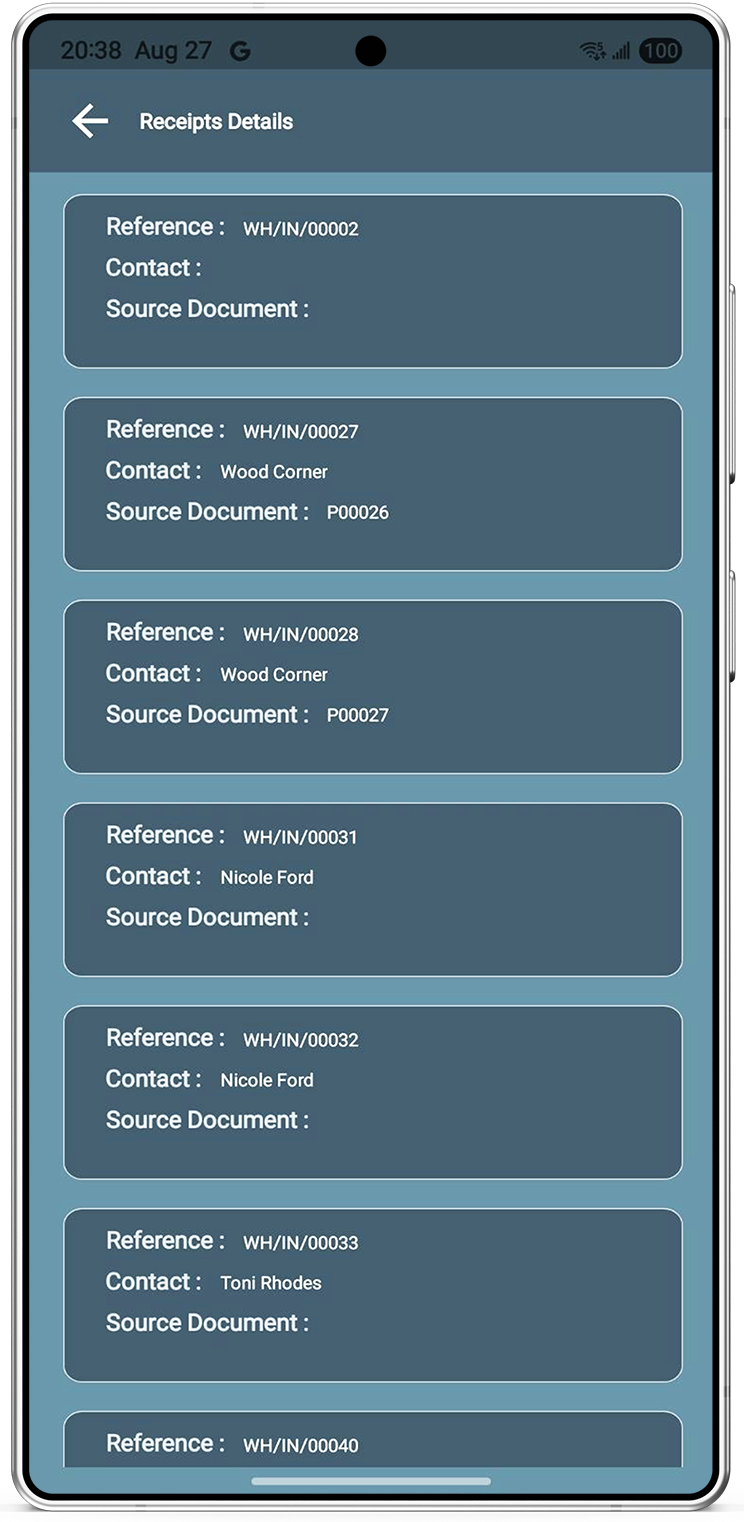
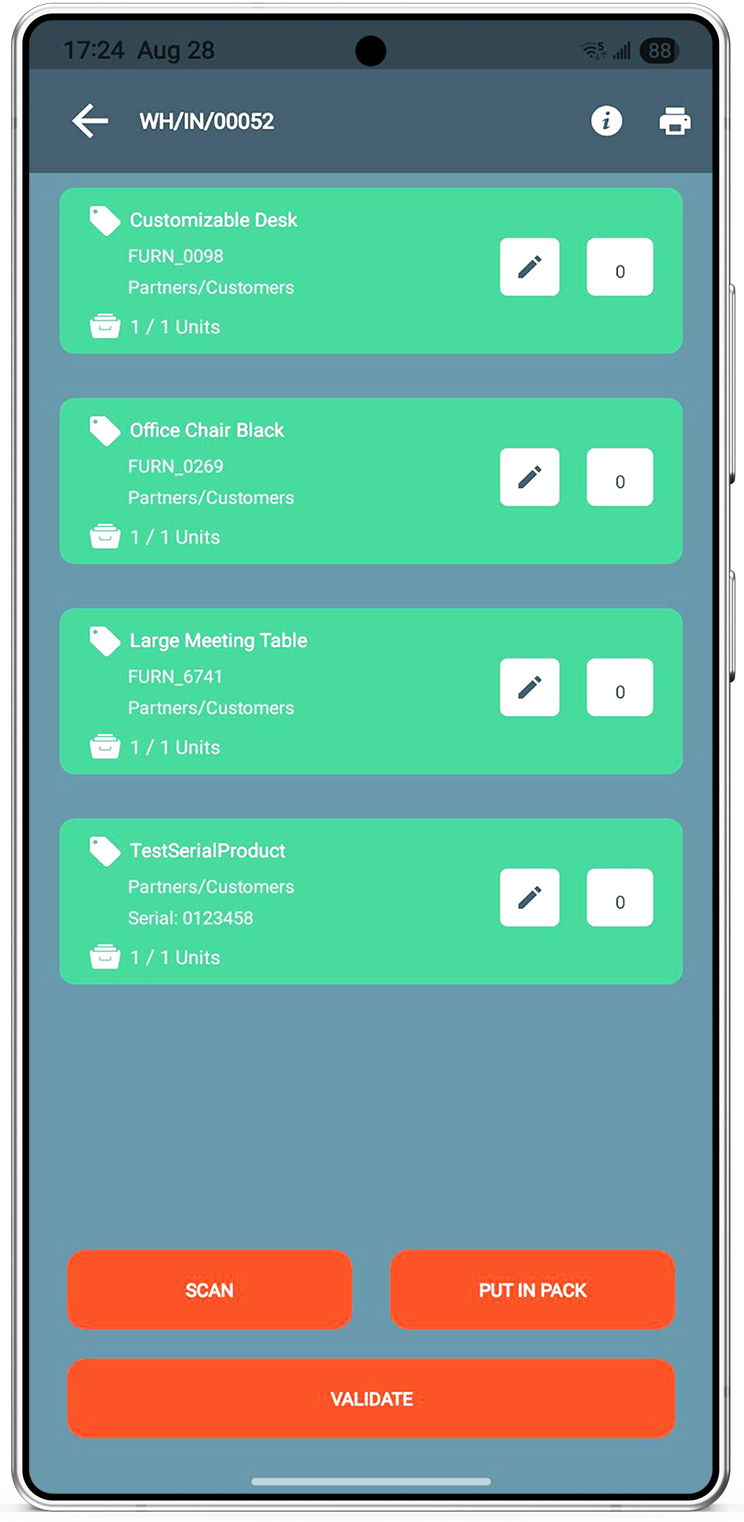
Process a receipt
- Open Receipts from the home tile or scan a document barcode.
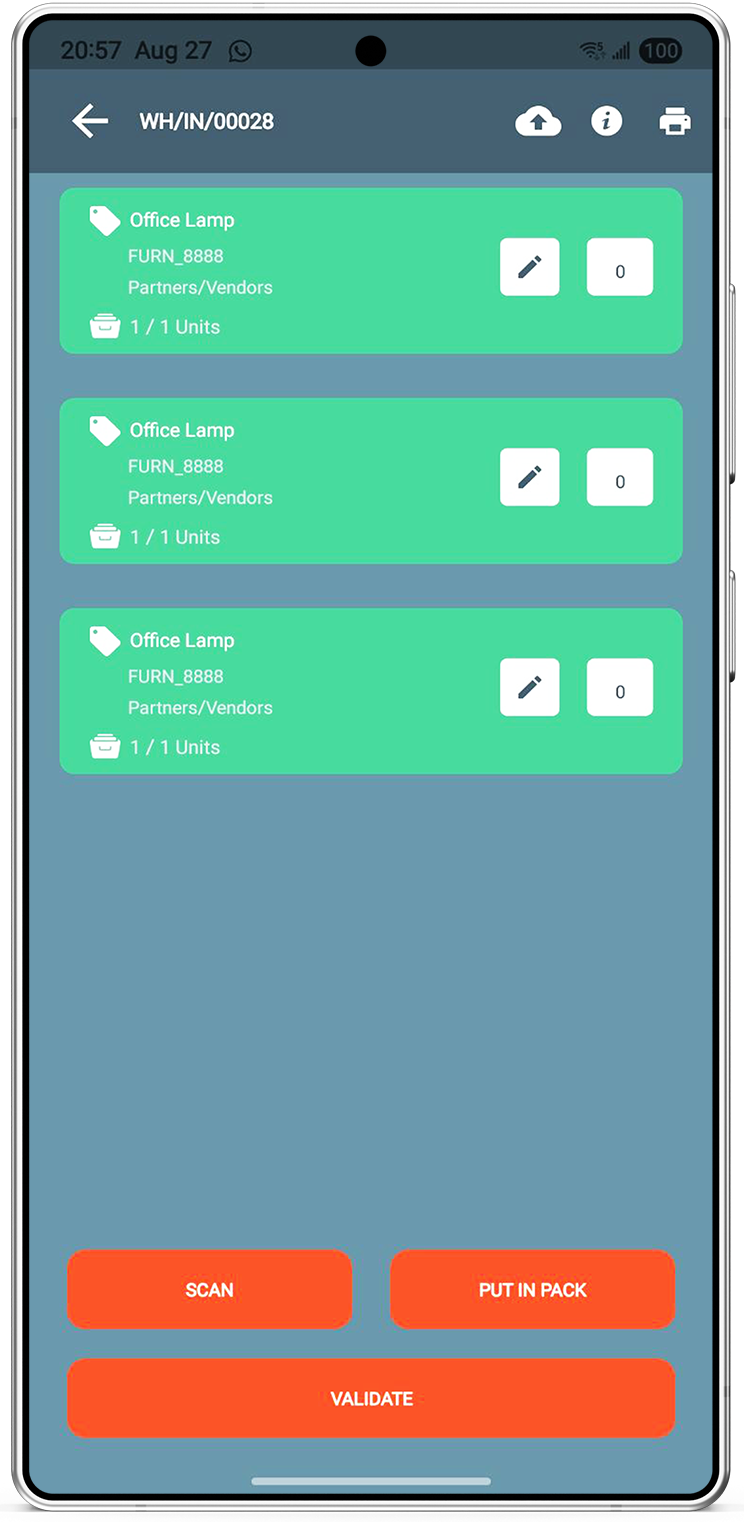
- Select the incoming transfer and scan products as they arrive.
- Tap Validate to complete the receipt in Odoo.
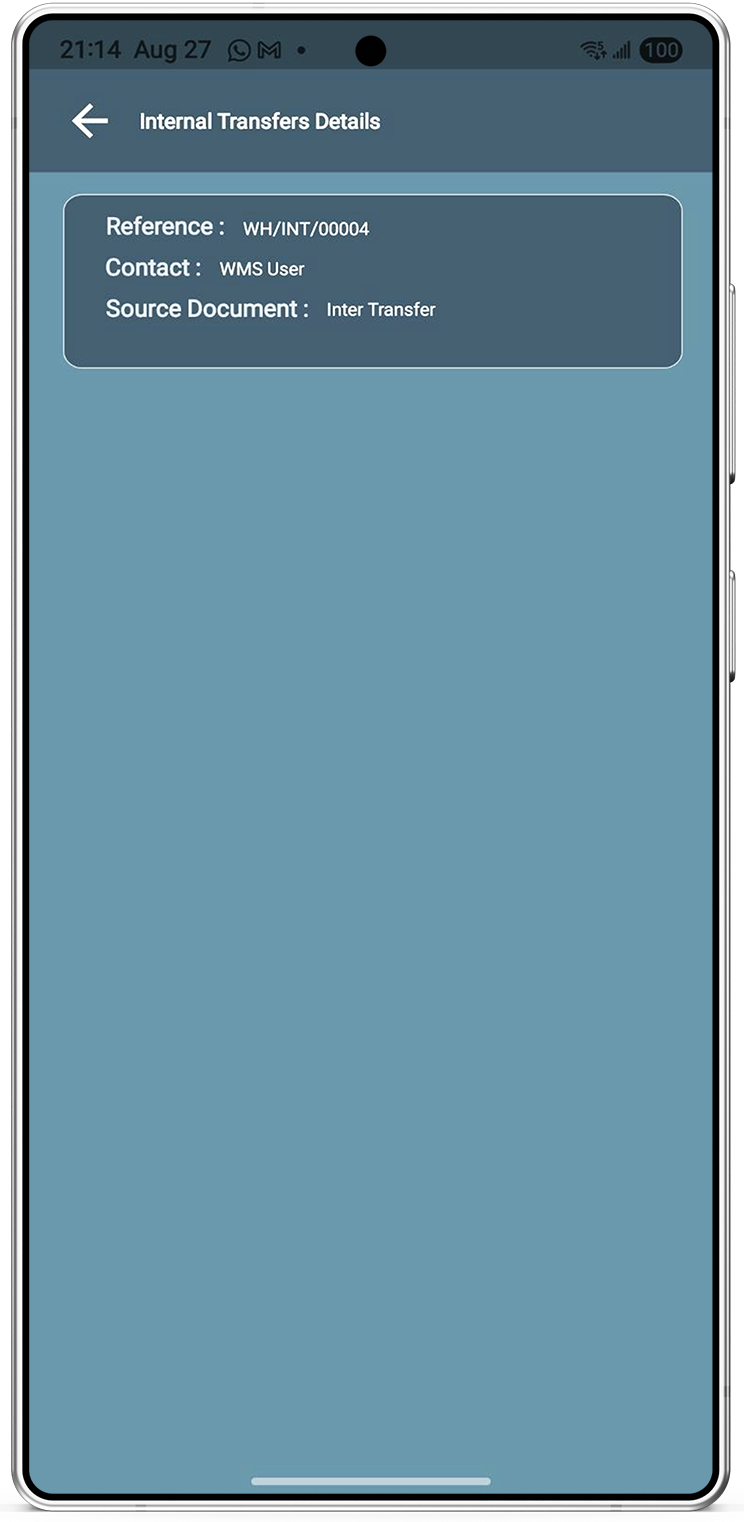
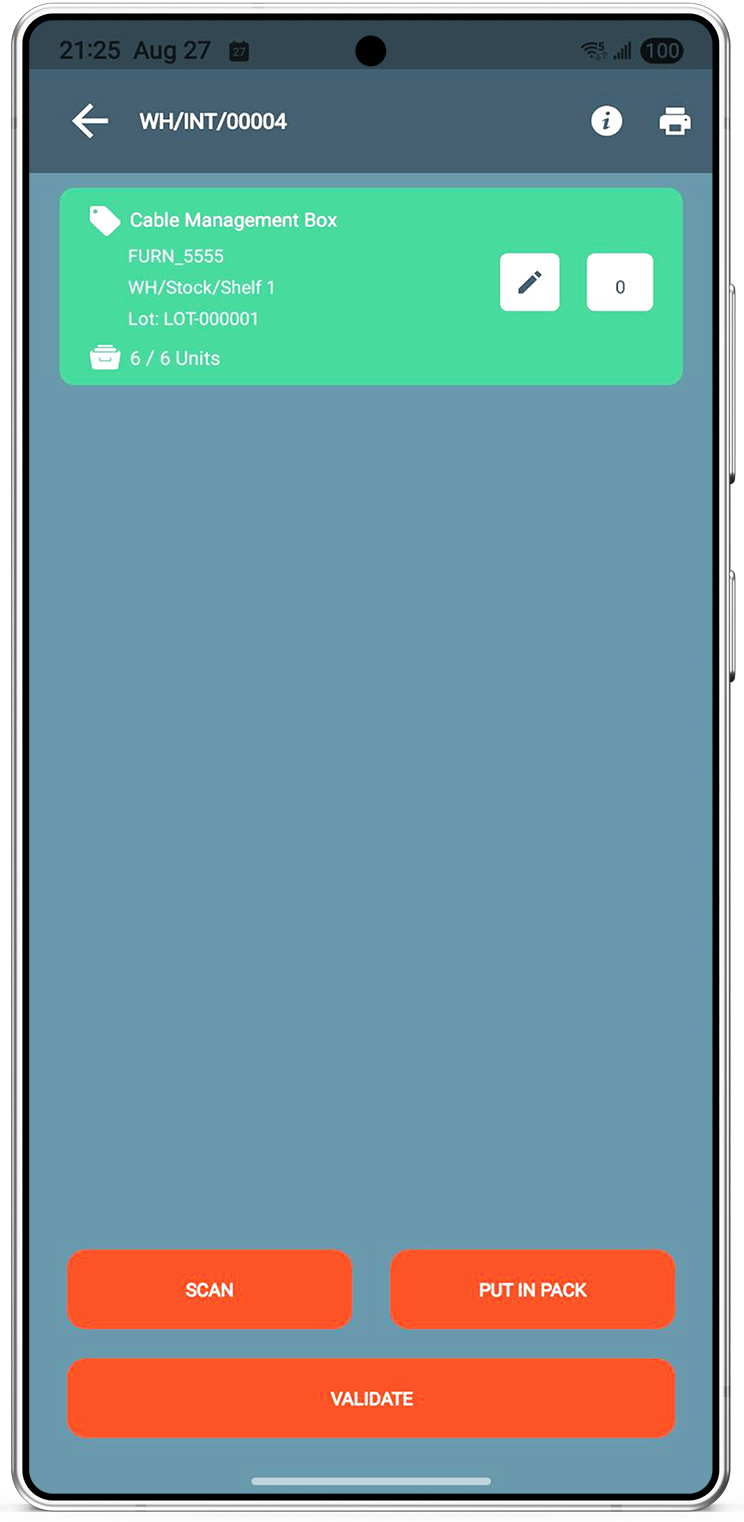
Internal Transfer
- Open Internal Transfer from the home screen.
- Select the transfer (for example WH/INT/00004).
- Validate to move stock from one location to another.
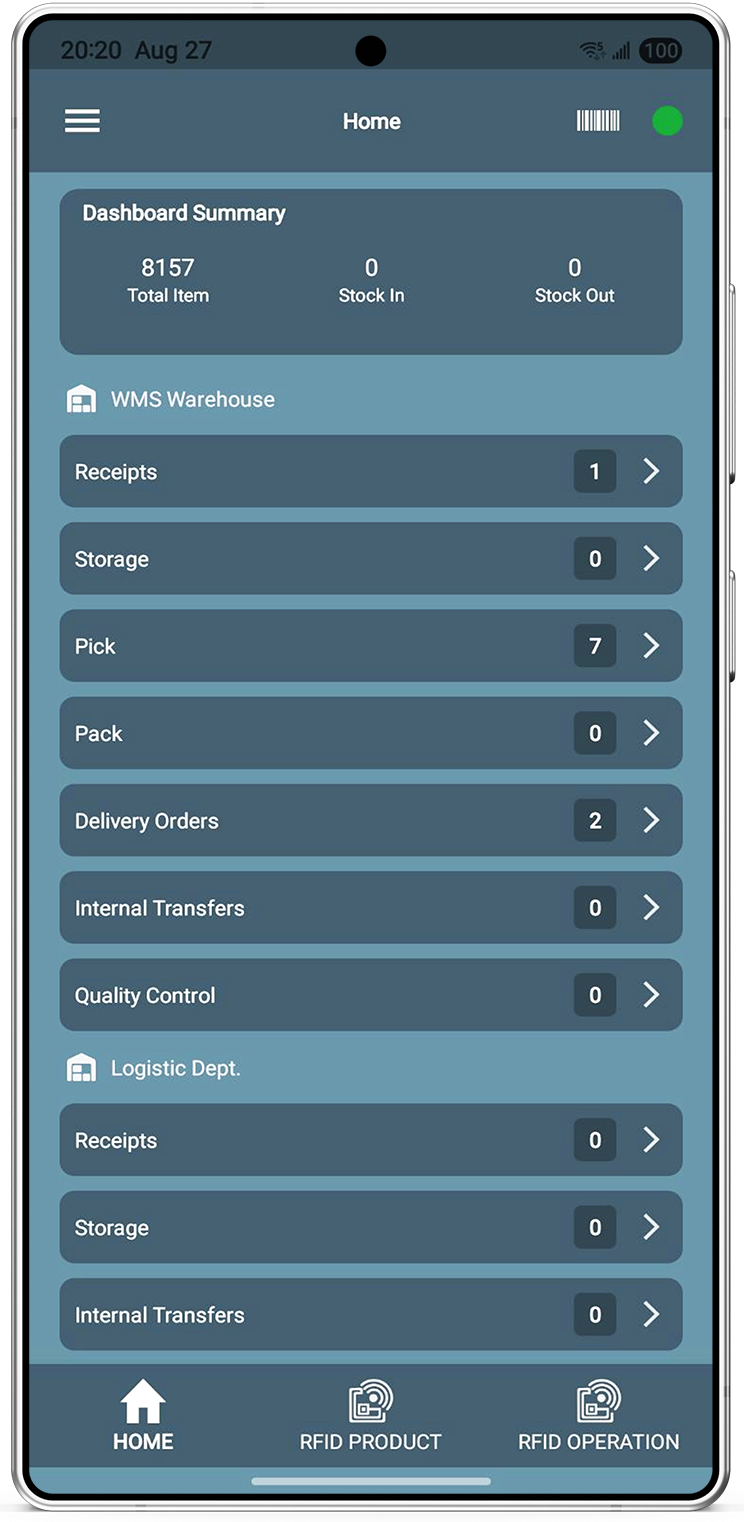
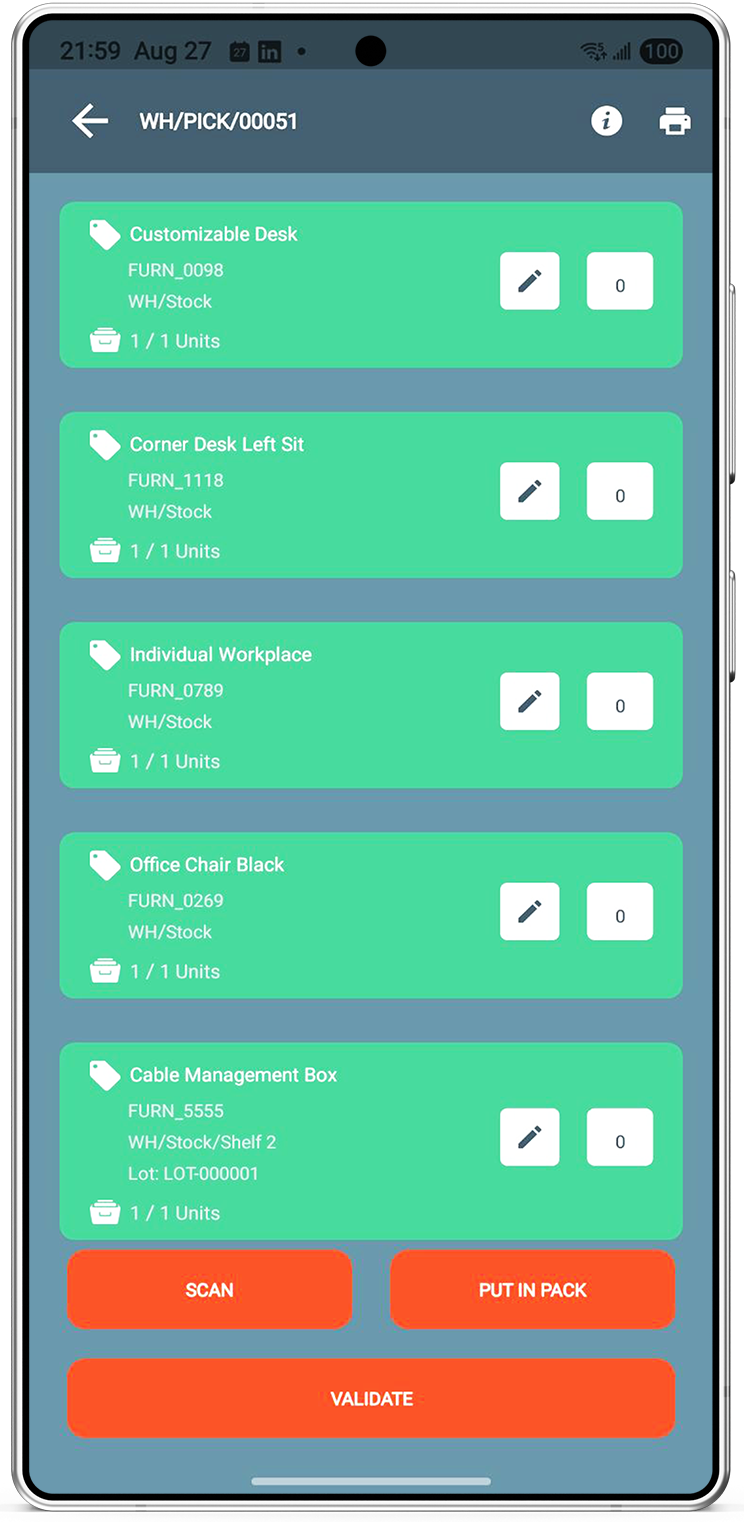
Picking Operation
- Use the barcode scanner or Pick tile on home.
- Select a pick (for example WH/PICK/00051).
- Scan products, lot/serial numbers, and locations, then Validate.
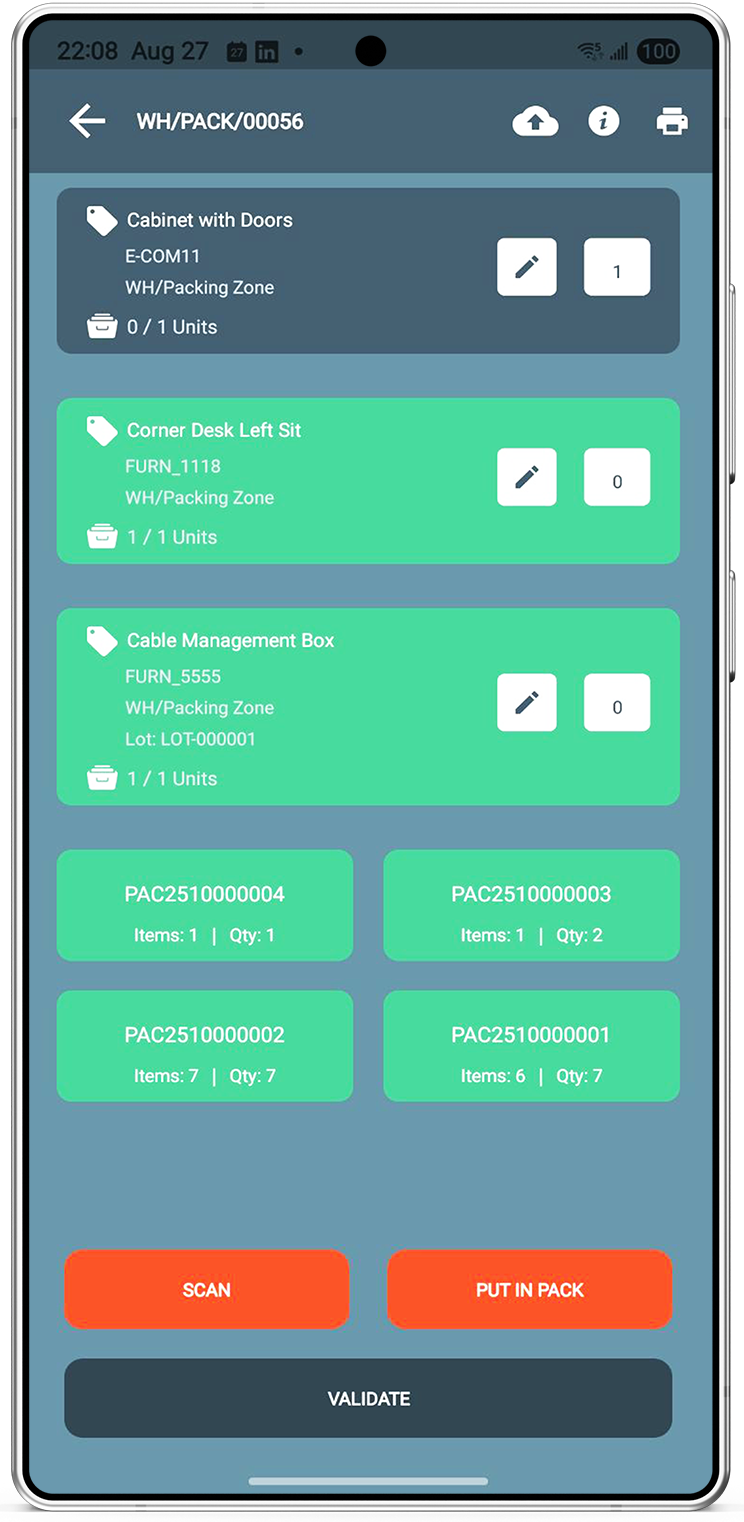
Packing Operation
- Open Pack from home or scan a pack document.
- Scan products and use Put In Pack to create packages.
- Unpack, update weight, or open Inside Pack to see box contents.
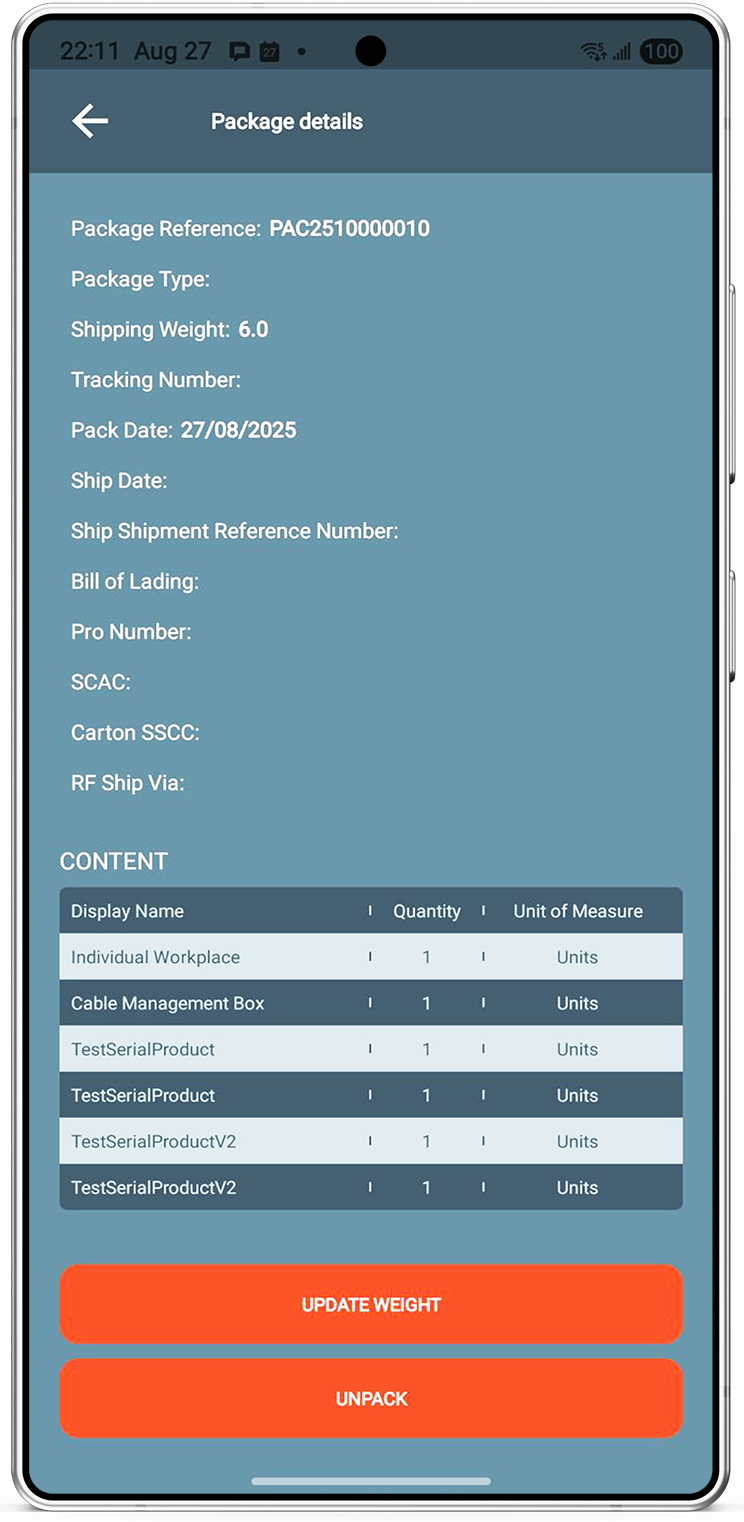
Delivery Operation
- Open Delivery from home or scan an outbound document.
- Scan products and packages created in packing.
- Validate, update weight, or print pack barcodes as needed.
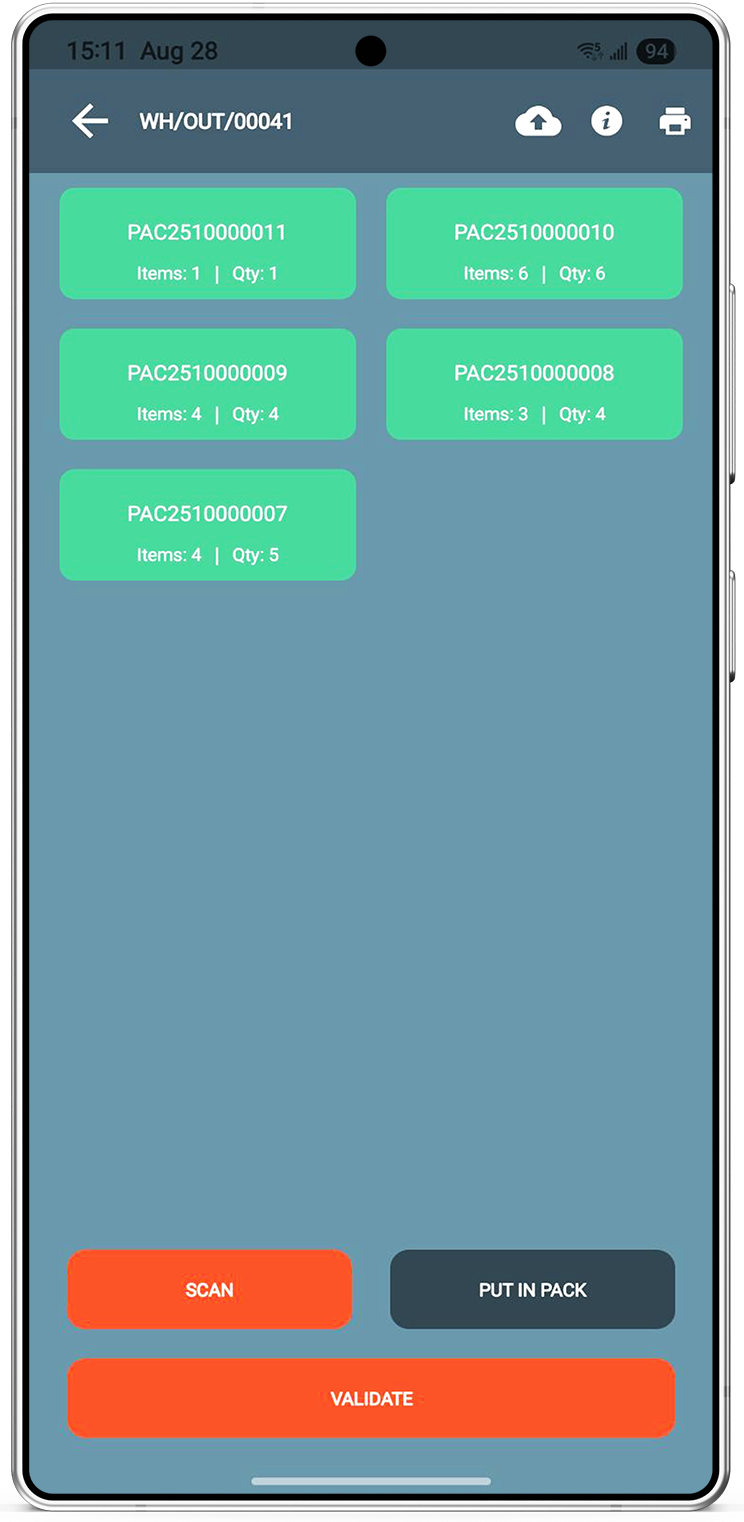
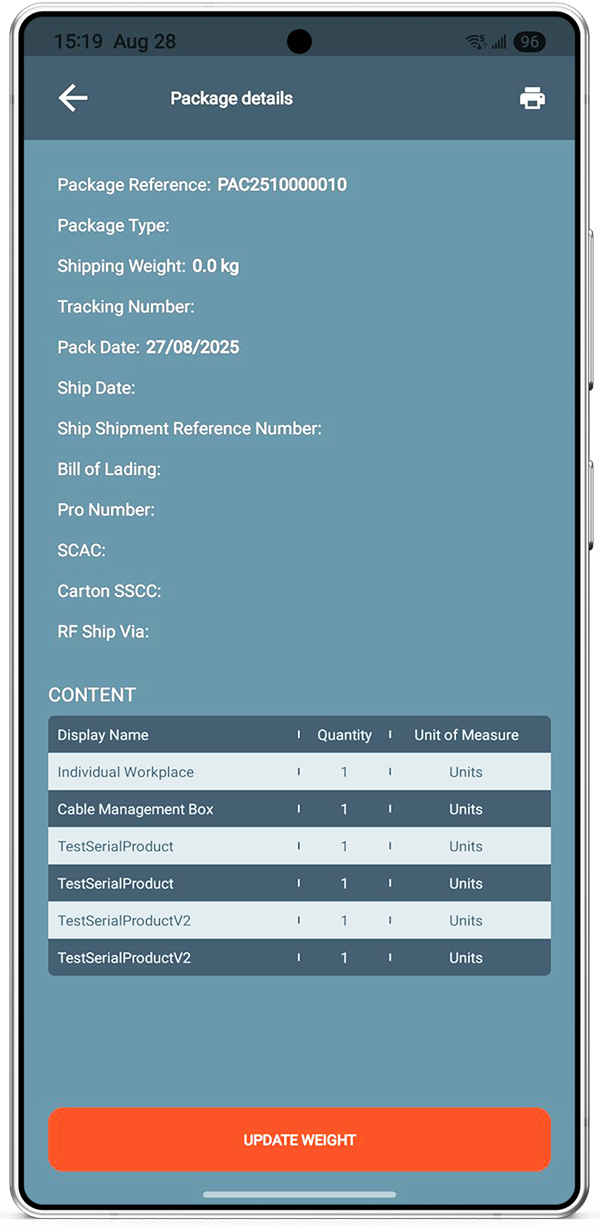
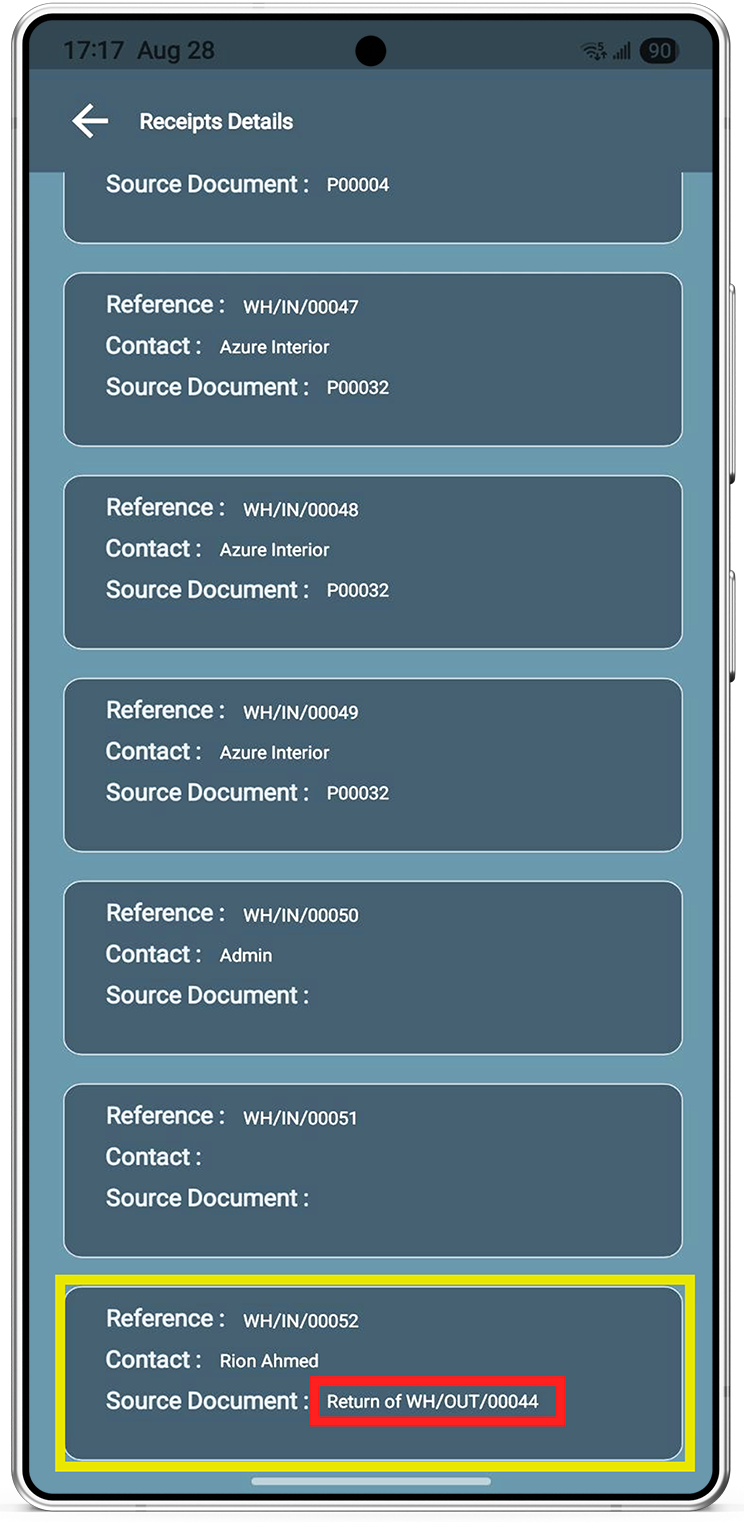
Return Operation
- Open return receipts from the Receipts flow.
- Scan products and packages returned by the customer.
- Validate to post the return in Odoo.
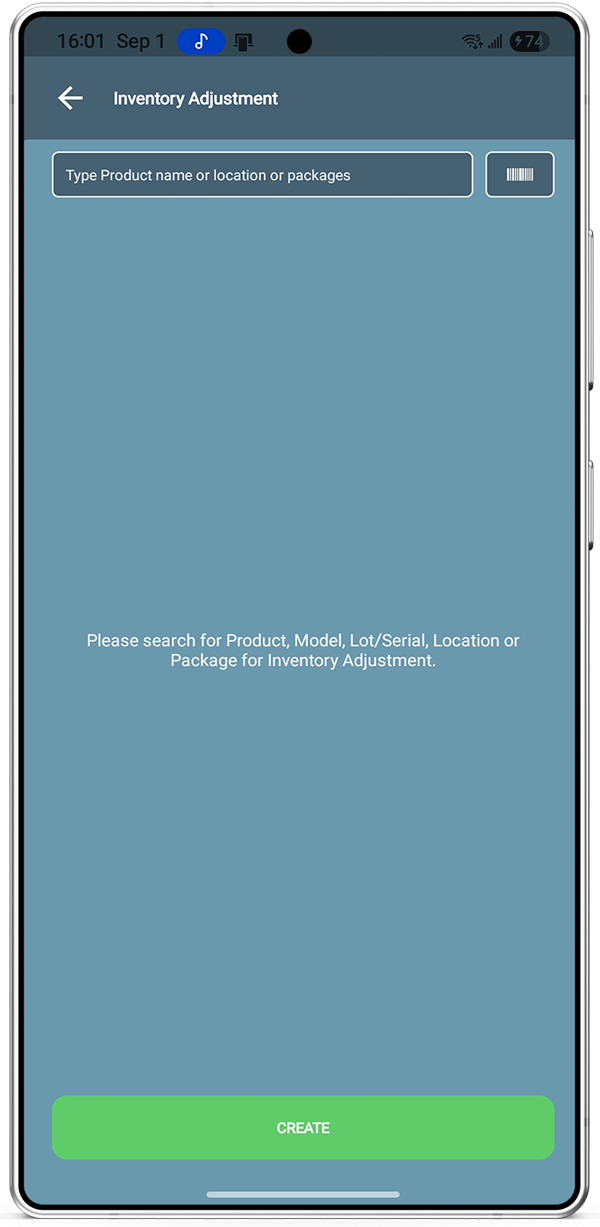
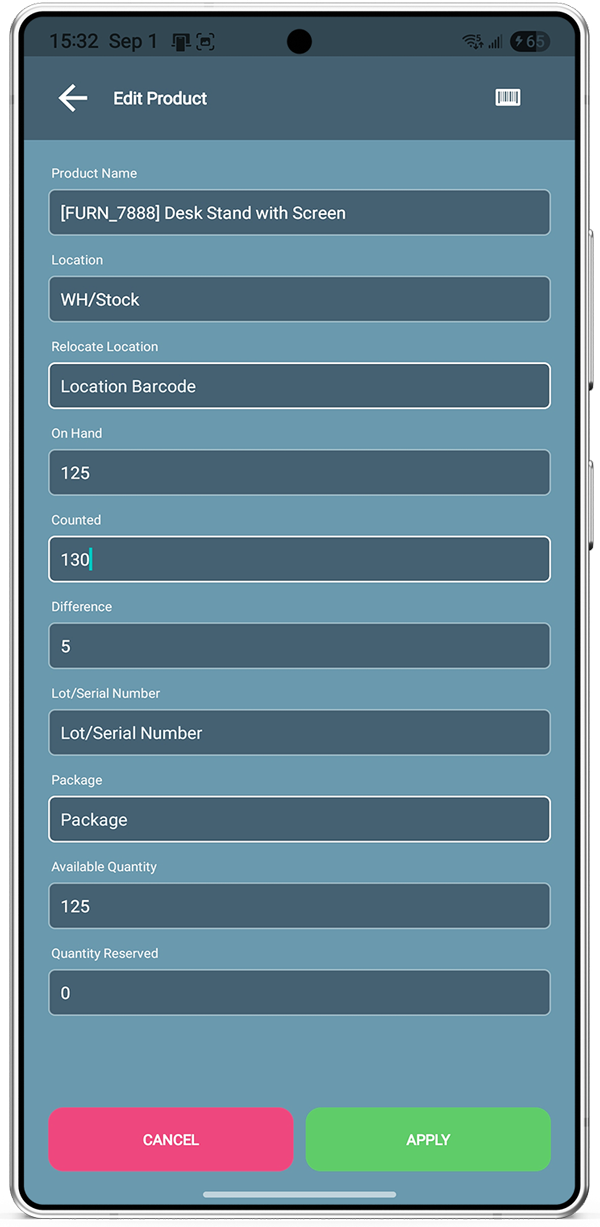
Inventory Adjustment
- Search or scan by product, variant, lot/serial, model, location, or package.
- Create adjustments when you need them from the floor.
- Enter counted qty, review the difference, and Apply.
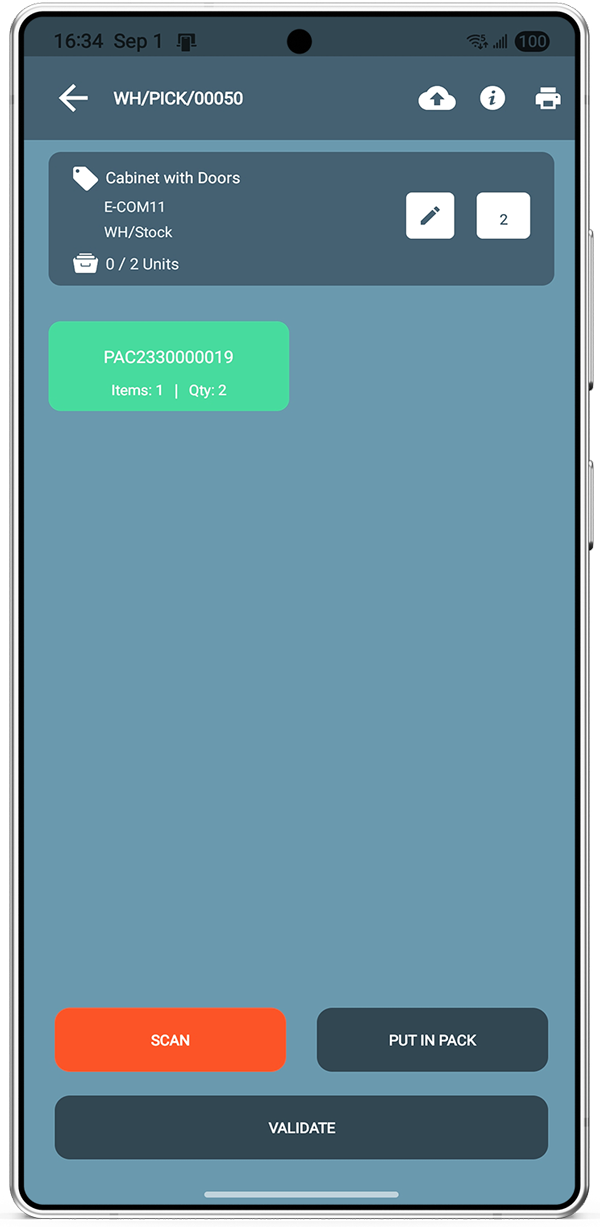
Products or Packages
- Use Put In Pack during pick, pack, or delivery.
- Split quantities across multiple packages as you work.
- Validate when packaging is complete.
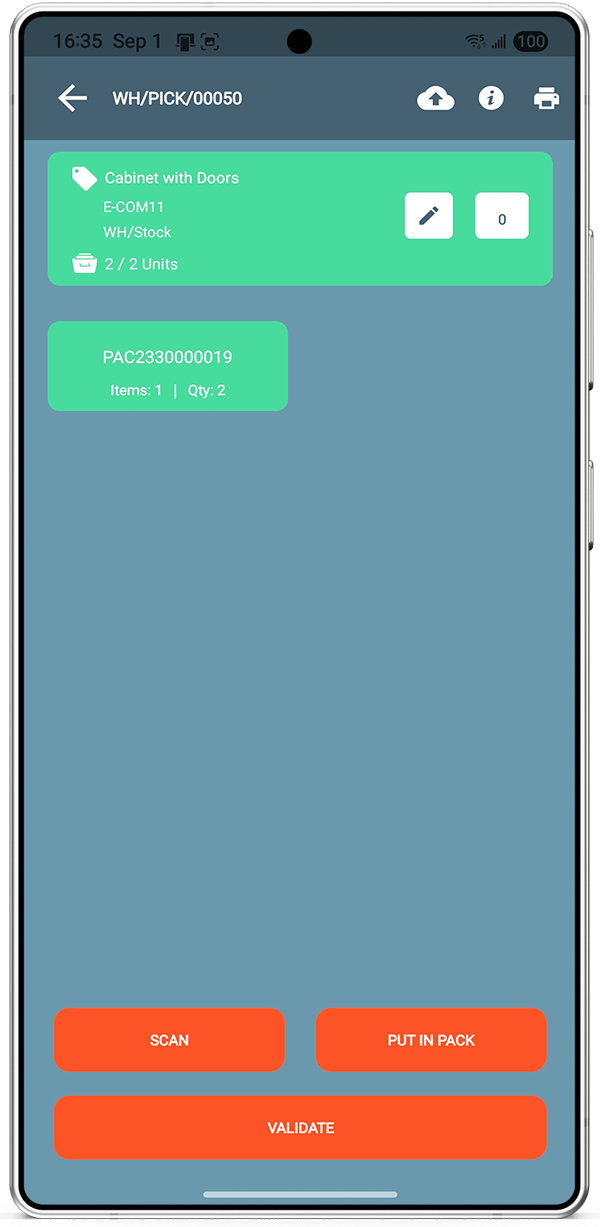
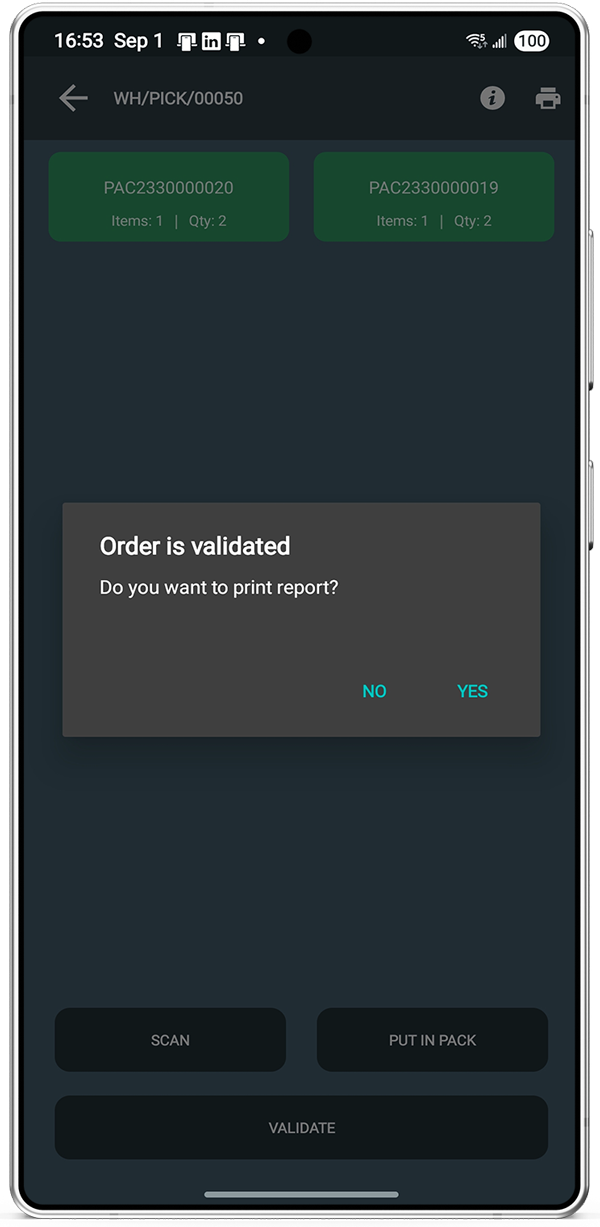
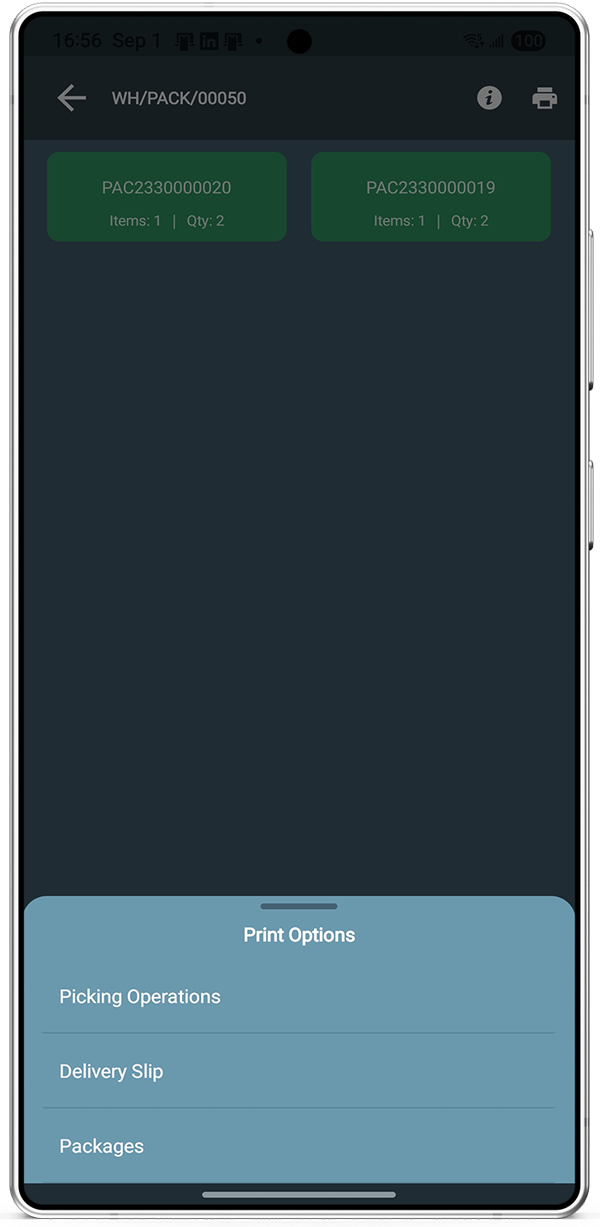
Label and Document Printing
- After validate, the app can ask if you want to print a report.
- Uses 3rd-party PrintNode for label and document printing.
- Open the report drawer and tap the report you need.
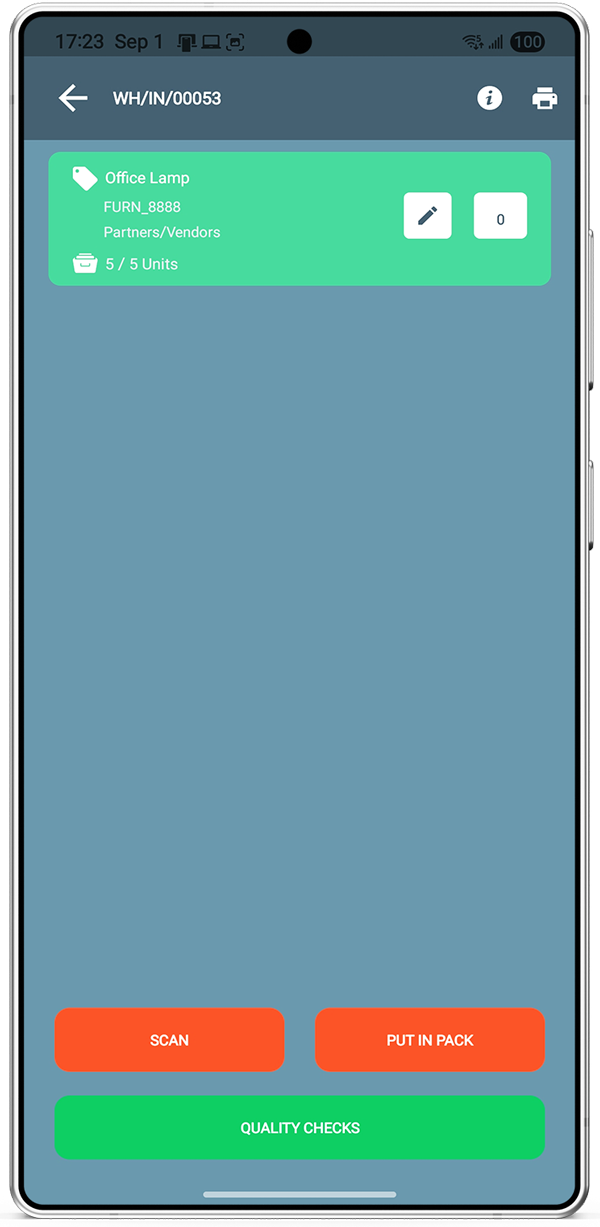
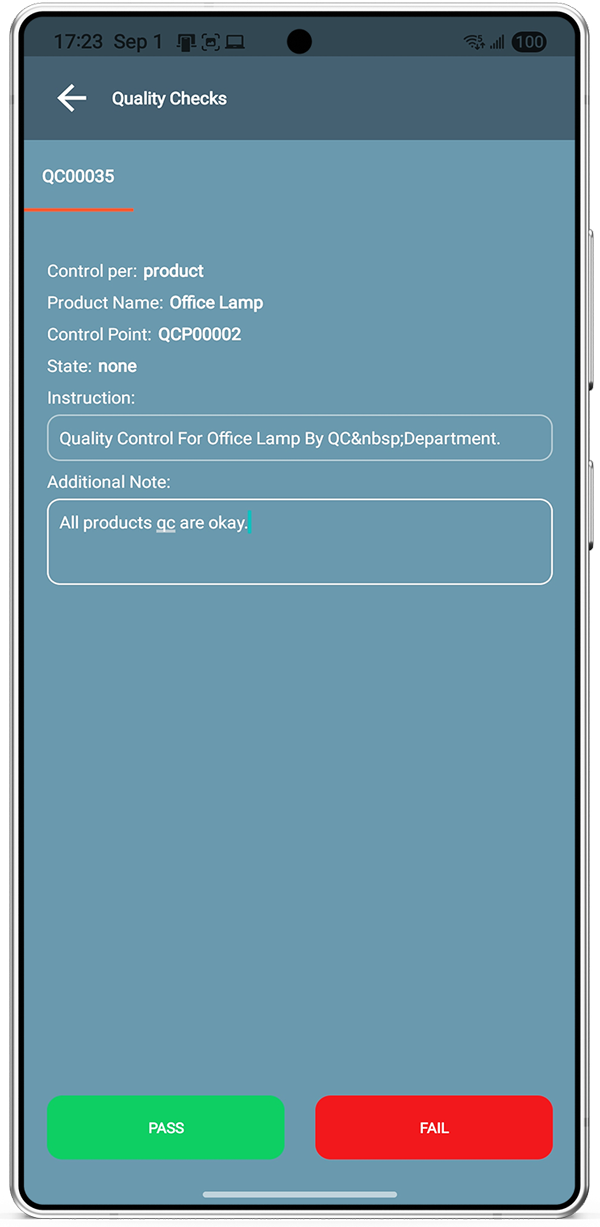
Quality Check
- When a product requires QC on receipt, the app prompts you.
- Open Quality Check to follow Odoo’s QC instructions.
- Confirm PASS/FAIL or other options configured in Odoo.
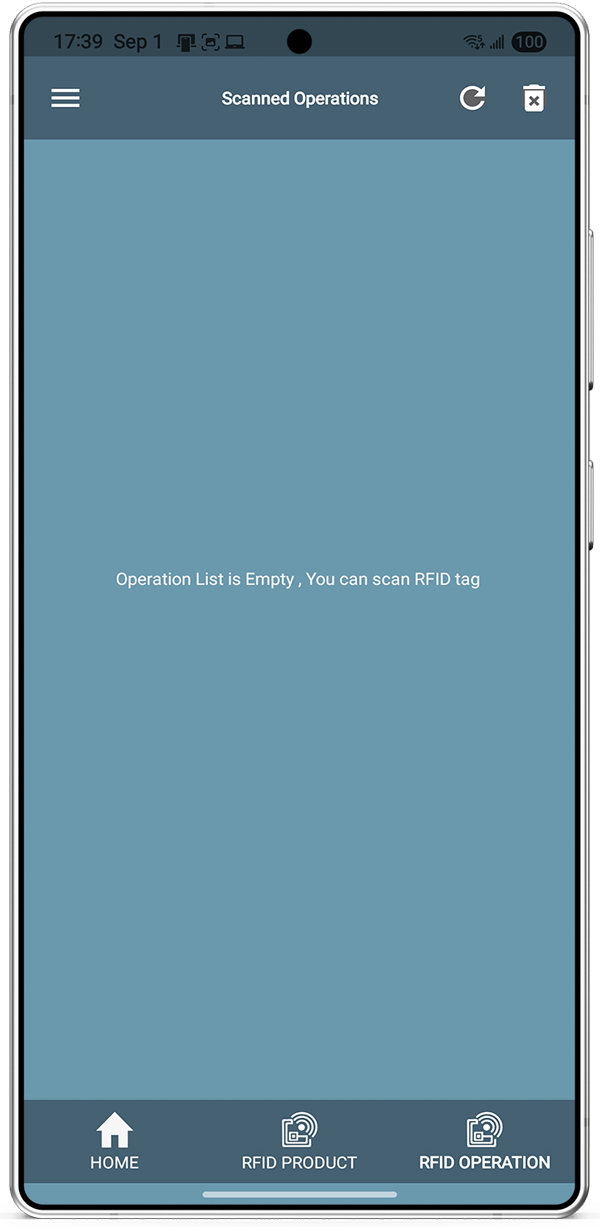
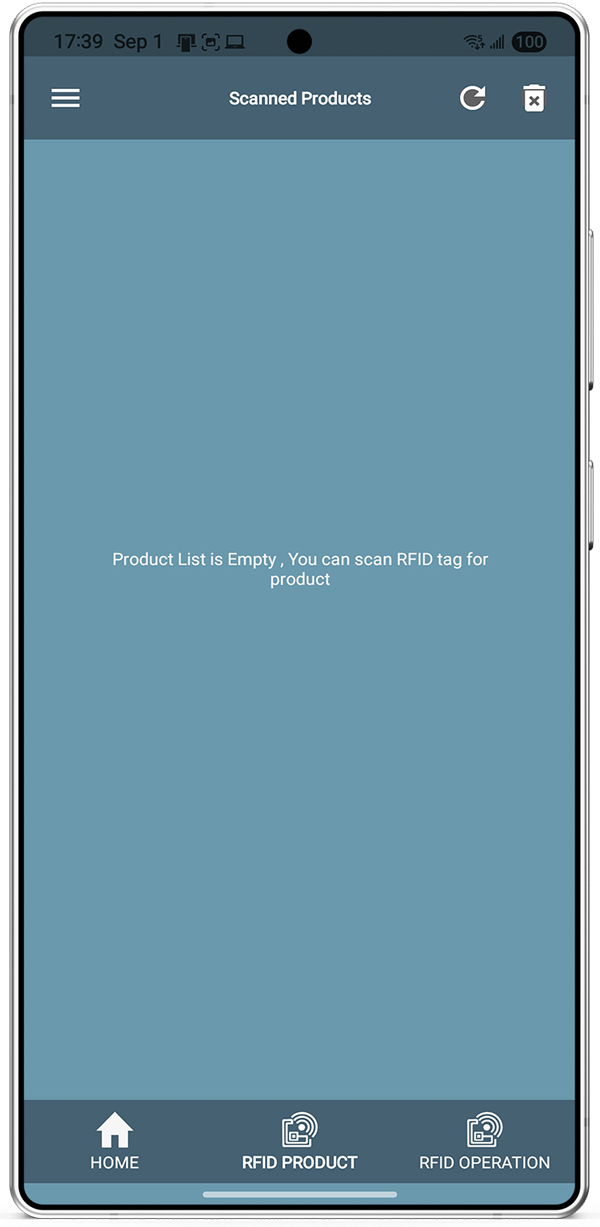
RFID Operation
- Works with UHF RFID readers for warehouse flows.
- Scan tags to run operations or look up product information.
- Use RFID for inventory adjustment as well as day-to-day ops.
Online / Offline
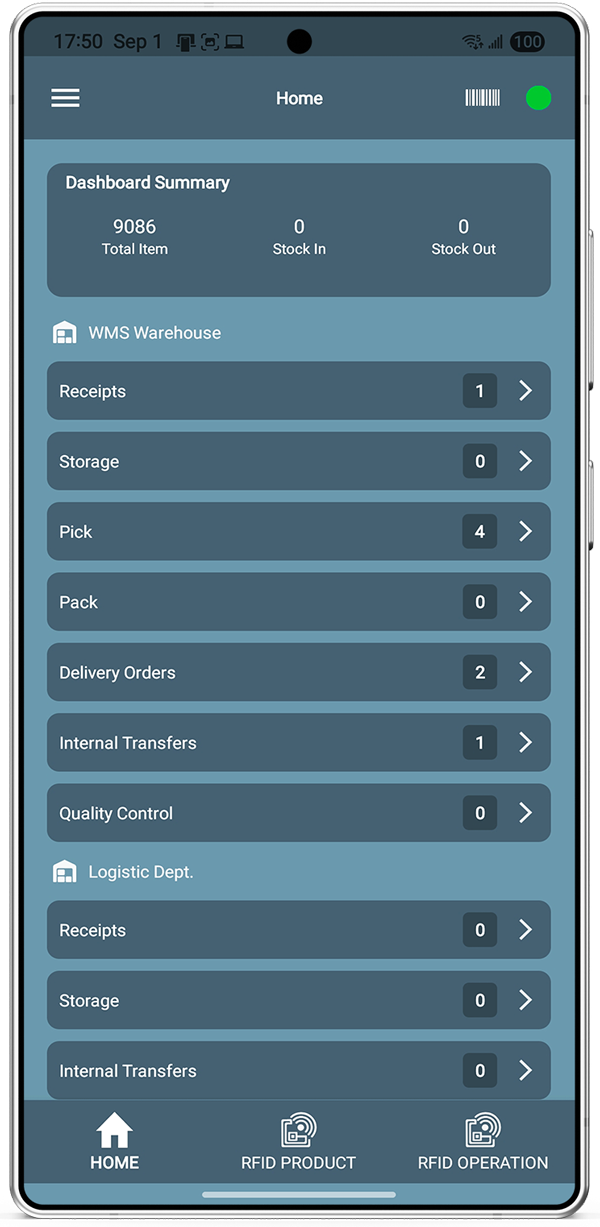
- On login, the app syncs warehouse data from Odoo.
- When connectivity drops, the indicator turns red and work continues.
- When back online (green), sync from the hamburger menu updates Odoo.
See Advanced WMS in action
Watch how barcode, RFID, and warehouse operations flow from the Android app into Odoo.
Frequently asked questions
Install, mobile app, warehouse operations, packaging, printing, quality, RFID, and online/offline sync.
Advanced WMS for Odoo is Bista’s Android handheld warehouse app that connects to Odoo. It covers receipt, internal transfer, pick, packing, delivery, return, inventory adjustment, products or packages, label printing, quality check, RFID, and online/offline operation.
Download or deploy the module on your Odoo server from the Odoo Apps store (Bista Solutions). The module must be installed so the mobile app can connect to Odoo. Other related models may be required for specific app features.
Install the connector module on your Odoo server. This module is required to connect the mobile app with Odoo. Other models are required for other functionalities in the mobile app.
Install Advanced WMS for Odoo by Bista Solutions from Google Play on your Android device.
Receipt, Internal Transfer, Pick, Packing, Delivery, Return, Inventory Adjustment, Products or Packages, Label Printing, Quality Check, RFID, and Online/Offline.
While picking, packing, or delivering, use Put in Pack in the app to create a package (for example, place selected units into the first package). For the next package, click Put in Pack again, then Validate when ready.
Yes. Label and document printing uses a 3rd-party PrintNode integration. After validating an operation, the app asks “Do you want to print a report?” Choose No to cancel, or Yes to open a drawer with the list of reports you can print.
If a product has a quality check during receiving, the WMS app asks for a quality check. Tap Quality Check, follow the QC instructions from Odoo, then confirm PASS/FAIL or another option configured in Odoo.
Yes. The WMS app works with UHF RFID. You can perform operations or find products to get all information, and you can run inventory adjustment with RFID scanning.
Yes. When you log in, the app syncs with Odoo and loads data. If the internet connection is lost, the indicator turns red and work continues. When the connection is back, the indicator turns green and you can sync app changes to Odoo. The Sync button is available in the hamburger menu.
Yes to use the Advanced WMS for Odoo App you will require licence. But you can test the app for 14 days.
To active the licenced please check the User Instruction Document.
Please check the website pricing to purchase the licence key.
WMS pricing
Price is based on scanners, not Odoo users. Pick the device band that fits your warehouse.
* prices excluding VAT