Bista WMS App Licensing Instruction
Checklist Before Registration
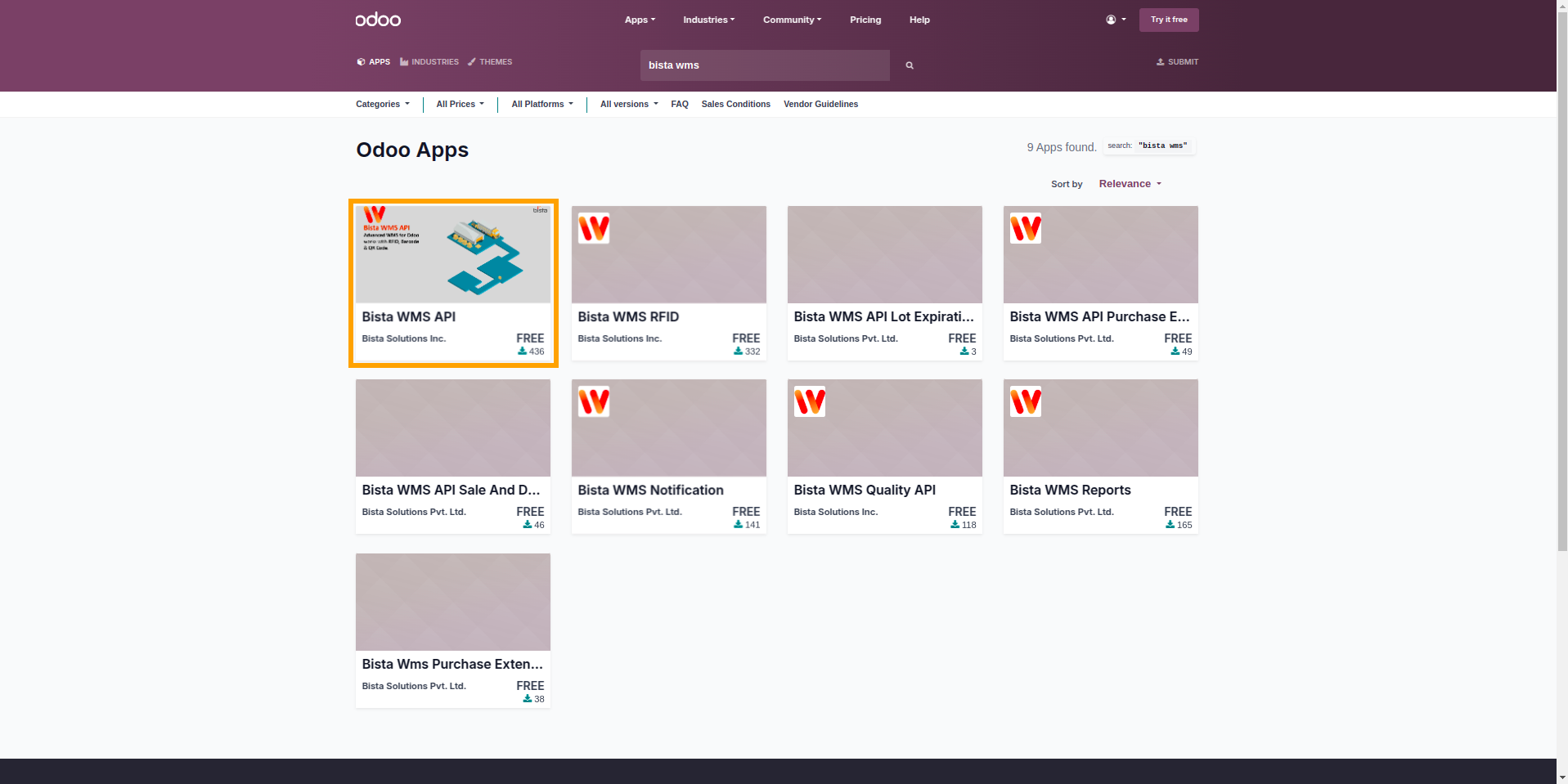
Get the Bista WMS API module
Get the Bista WMS API module from the Odoo App Store. Click Here
There are other modules as well for WMS. Install them based on your requirements.
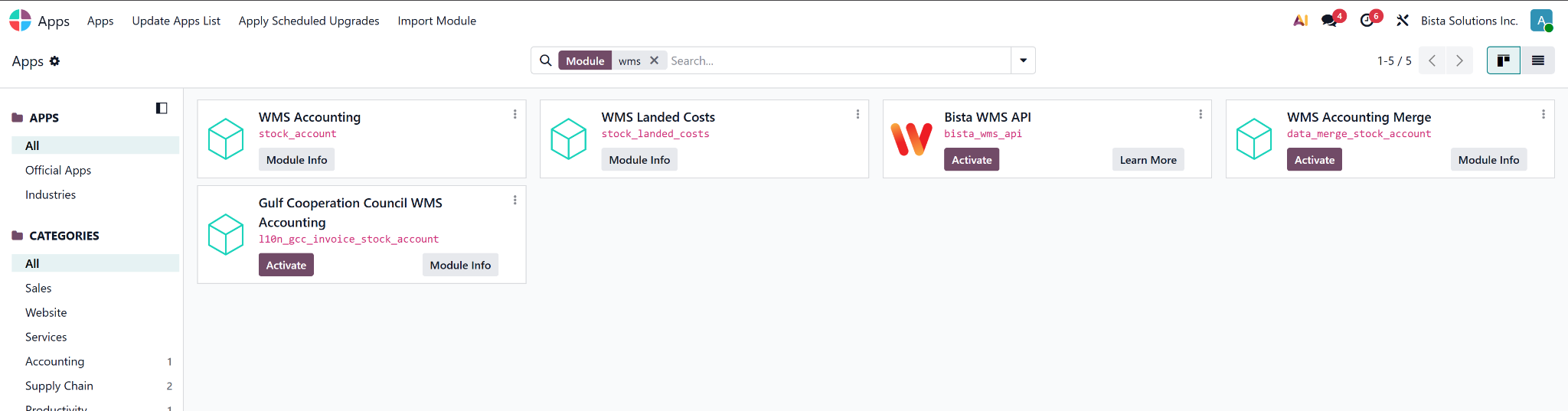
Activate the module
Activate the Bista WMS API module in your server.
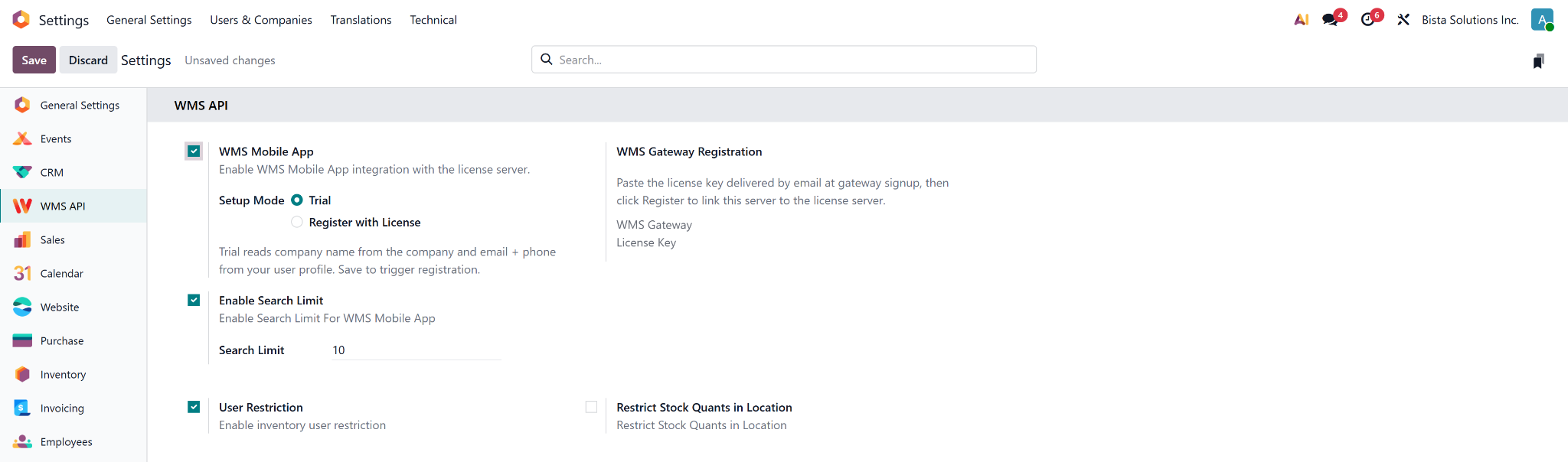
Enable WMS Mobile App
Go to Settings and then find WMS API and then activate WMS Mobile App.
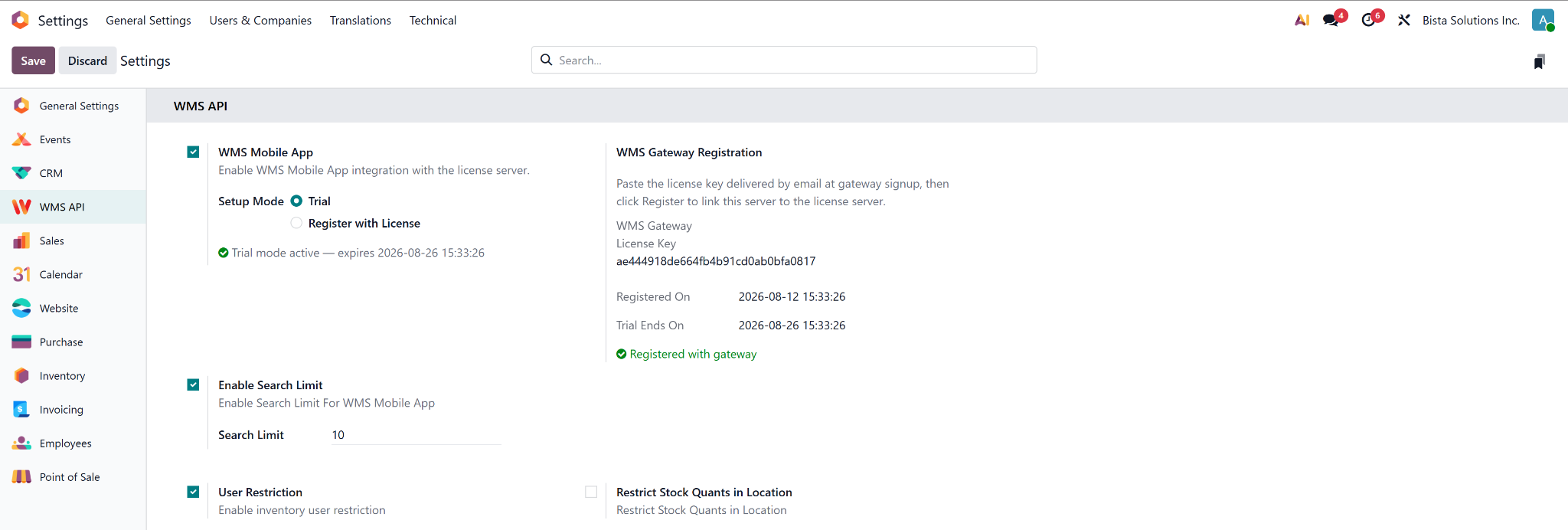
Generate Trial License
By default, WMS Mobile App Setup Mode will be Trial, and then click the Save button. This will generate your trial WMS Gateway & Licenses key with your trial expiration date and time. Copy the License key that was sent to you in your email address or copy it from the WMS API settings.
Install & Login to WMS Mobile App
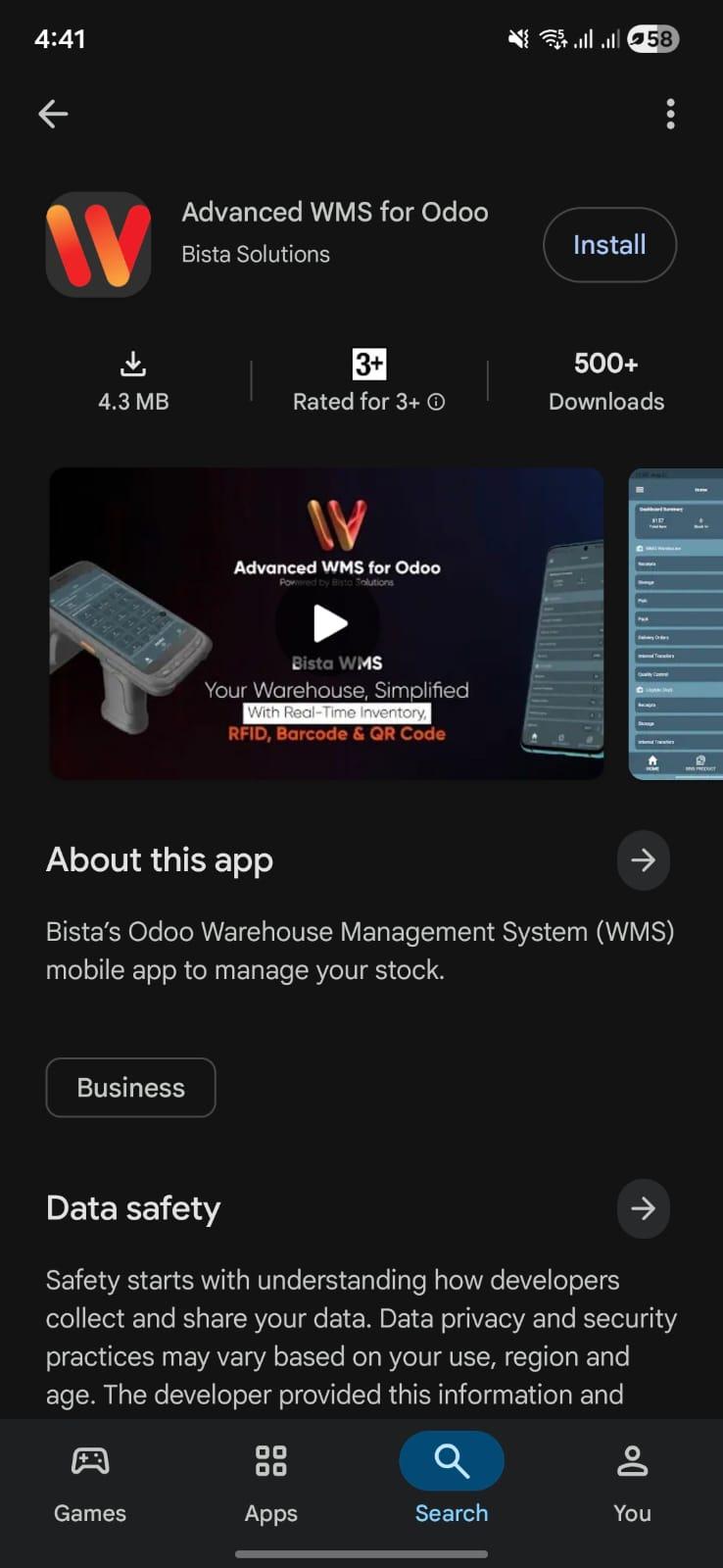
To Install WMS Mobile Application Click Here
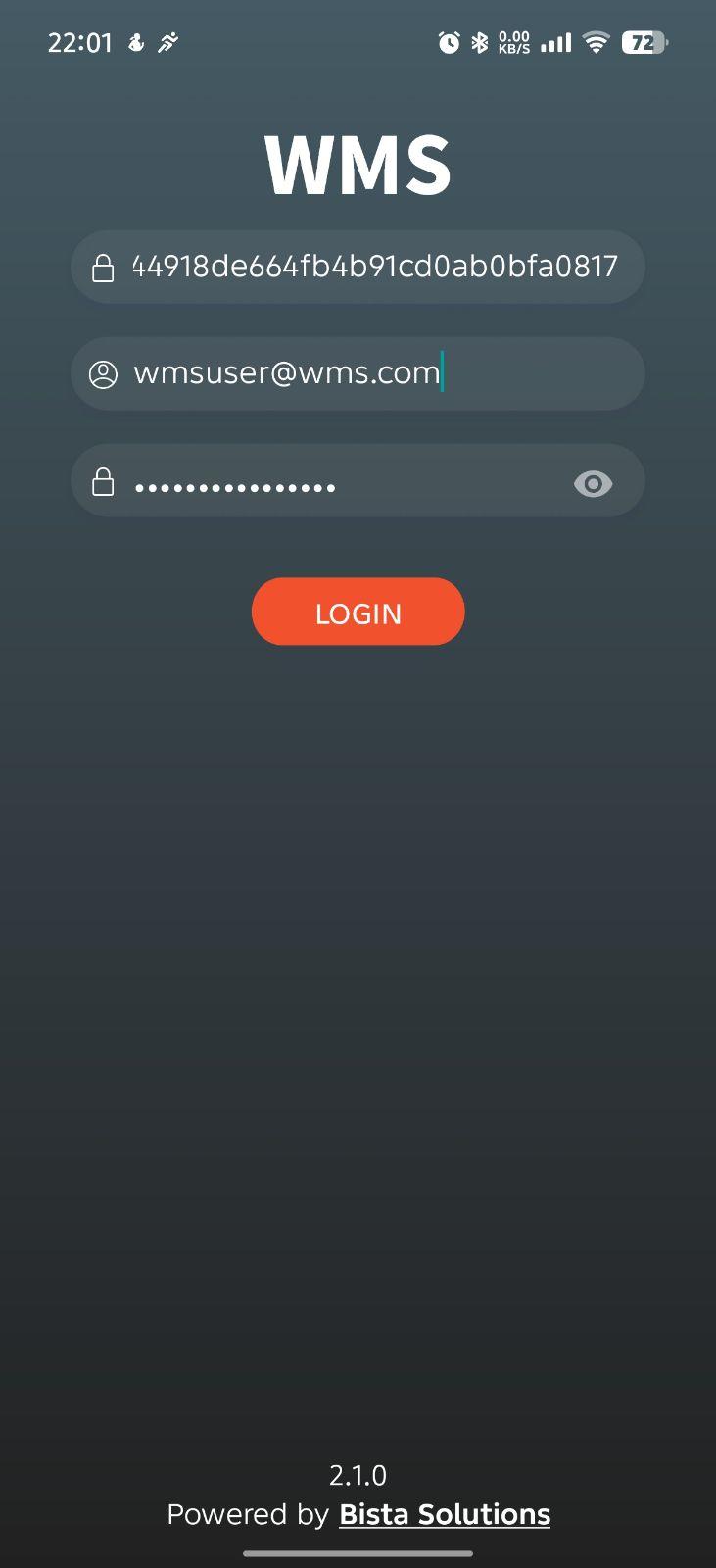
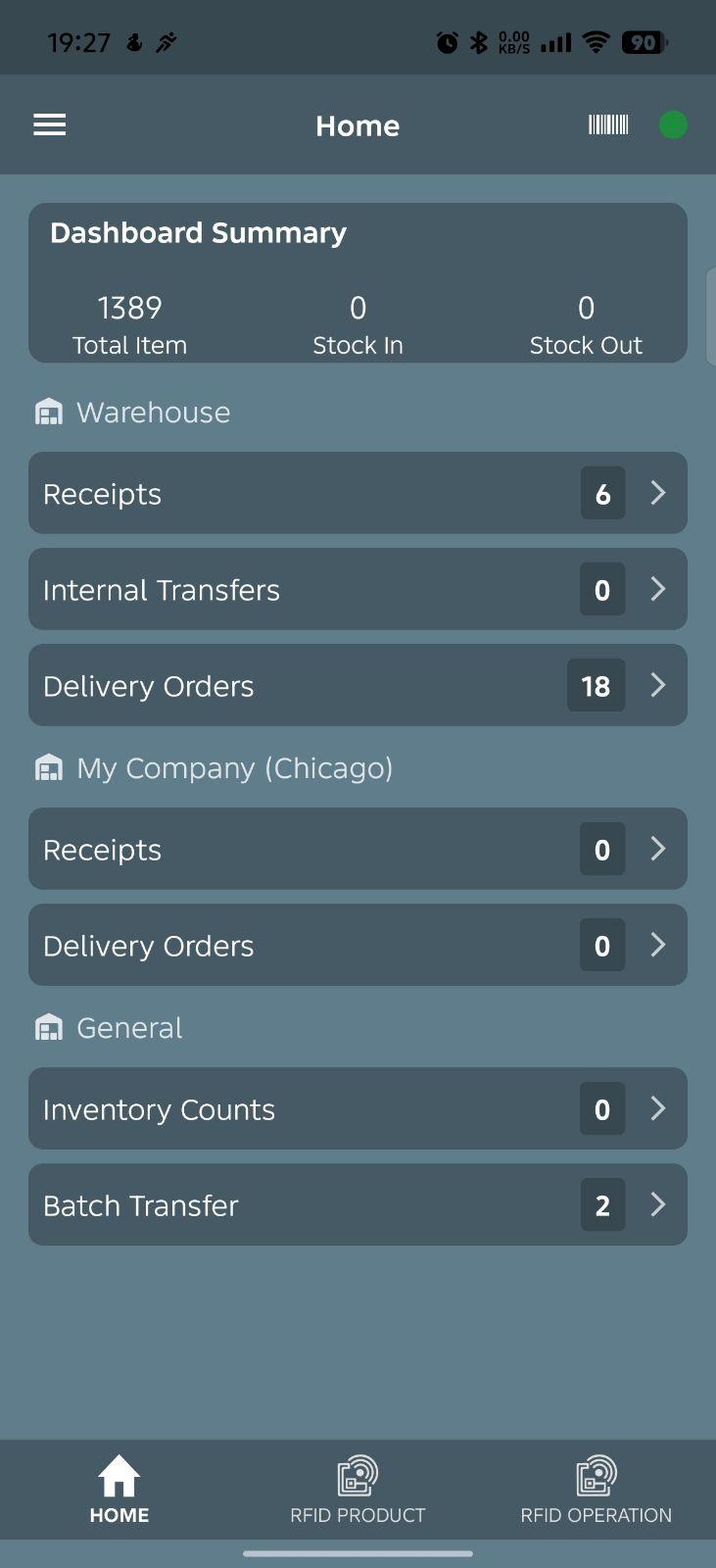
Launch the installed WMS mobile application on your phone or handheld device, and paste the License key into the login screen. This license key only needs to be entered once. And then enter your username and password. After activating the license key, you will be able to see the Home Screen of the WMS app.
WMS pricing
Price is based on scanners, not Odoo users. Pick the device band that fits your warehouse.
* prices excluding VAT