Bista WMS API Module Installation Instruction
Download Bista WMS API
Need to download the Bista WMS API module from the Odoo App Store.
Find the module
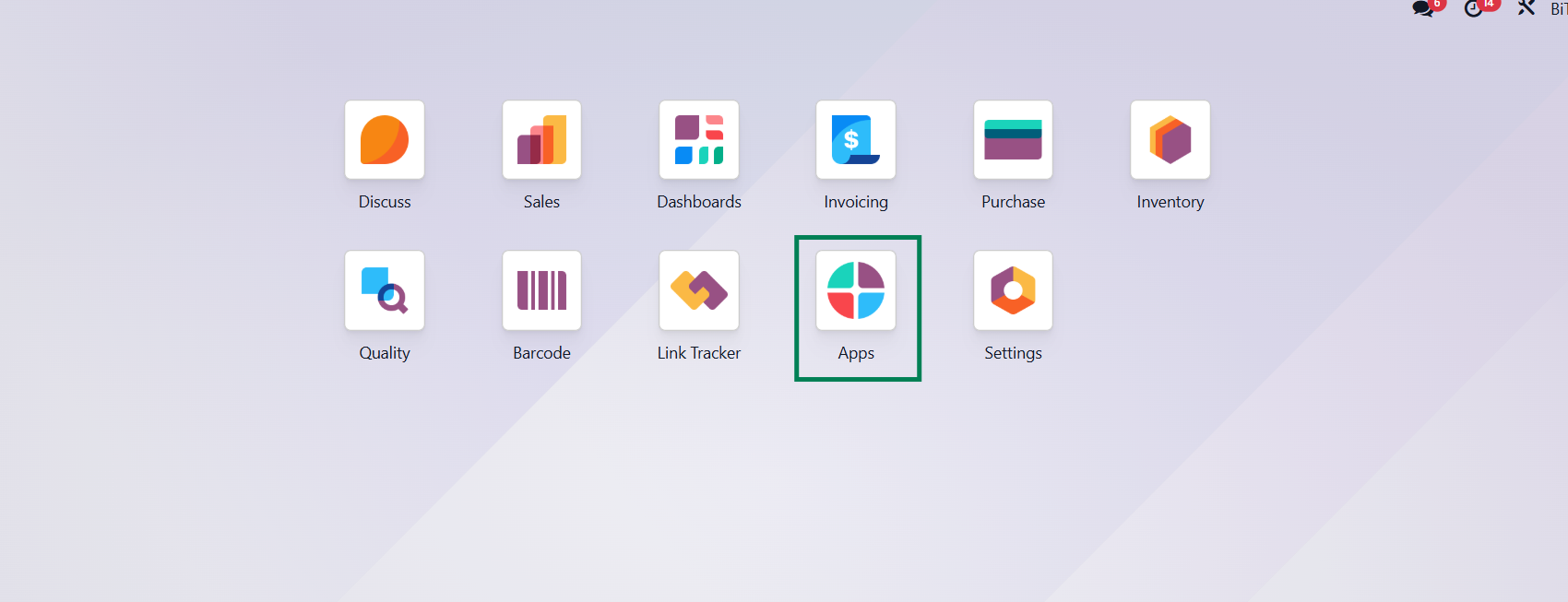
After uploading the module into the server, we need to find the module in the system Dashboard > App.
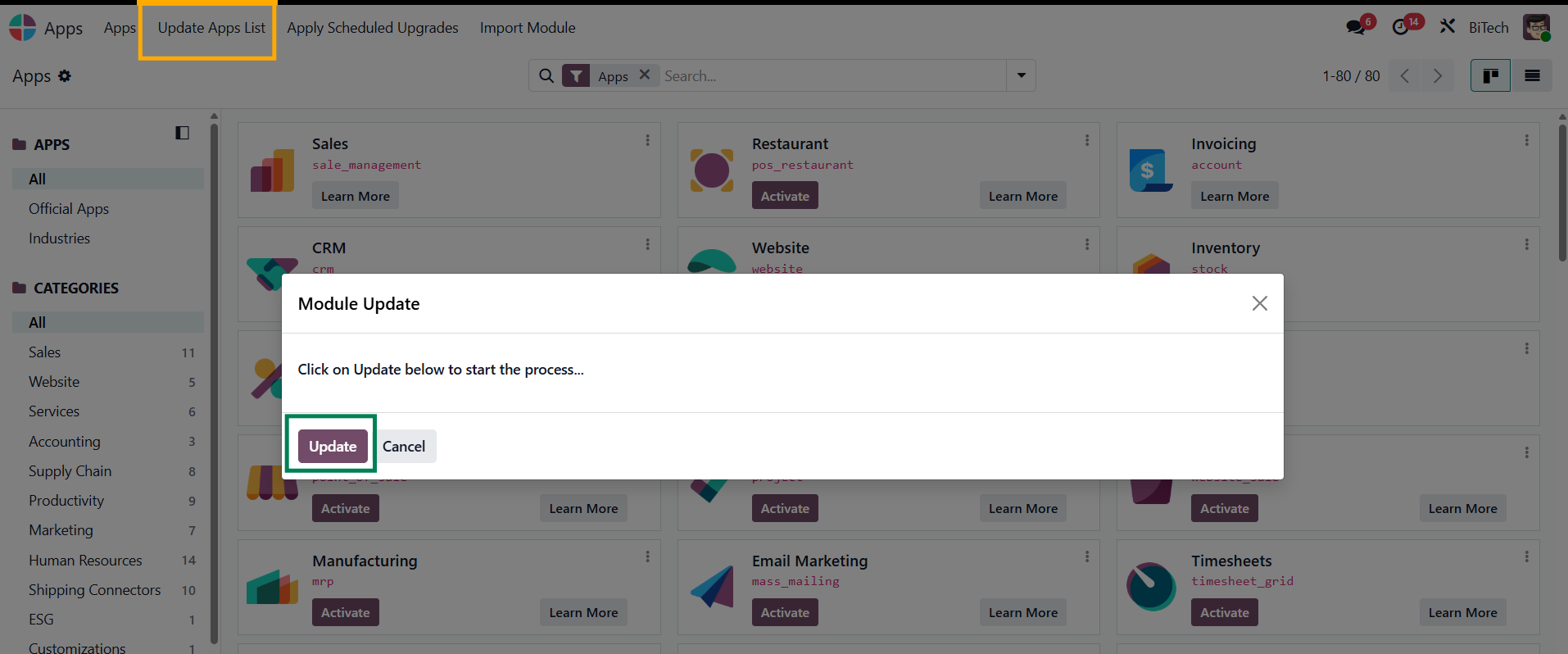
Update App List
In the App module there is a menu named App > Update App List. Then one wizard will pop up, and then click the Update Button to update the app list.
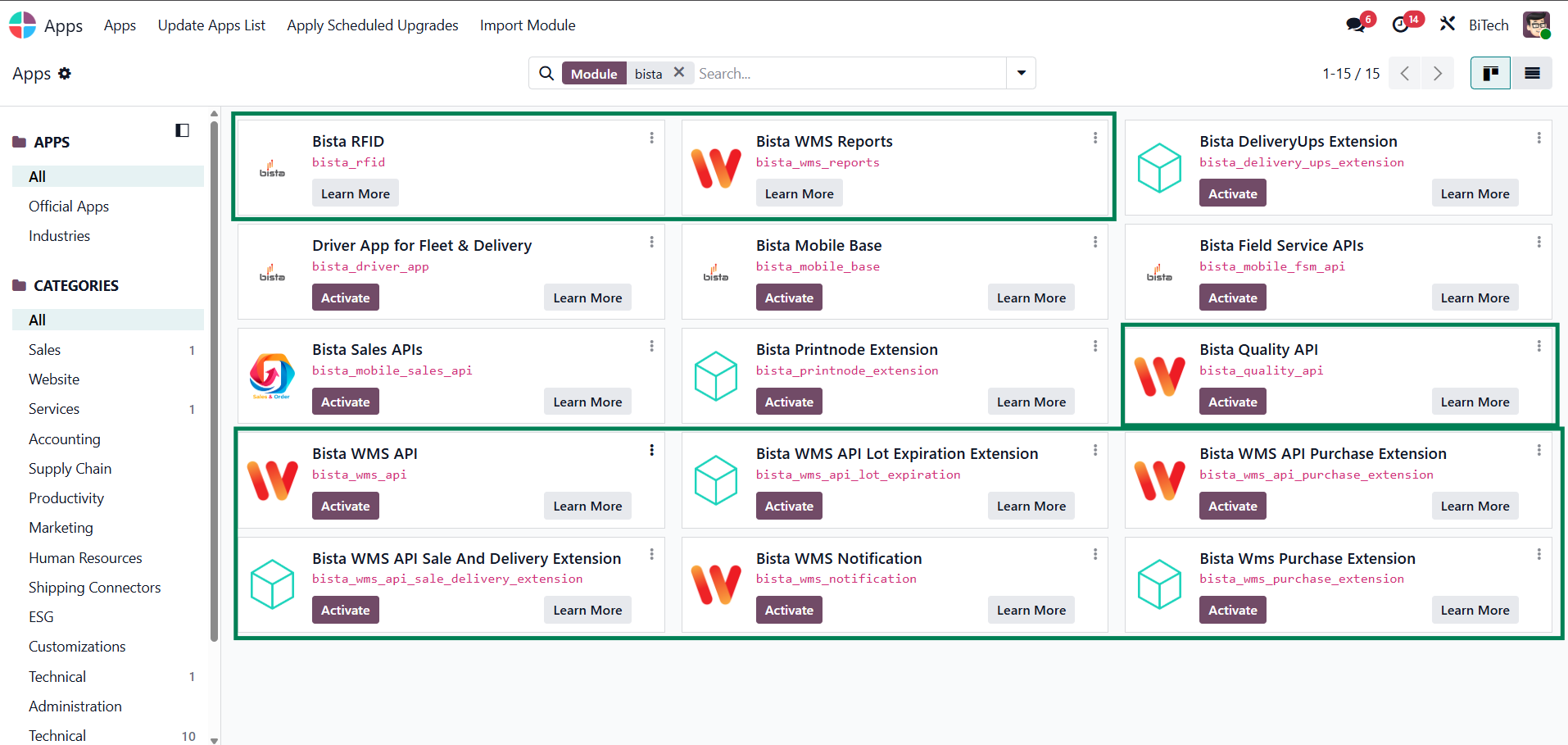
Activate the Module
When the app list update is done, then type "Bista" in the module search bar & press Enter to search. Then in the app list you will find the Bista WMS API and related module, and click Activate.
Installation Complete!
After successfully installing the module, you will be able to see that the Bista WMS API has been installed.
Now you can use the Bista WMS App.